OpenResty 设置
Note
网站列表上方的工具栏可用于查看和配置 OpenResty。
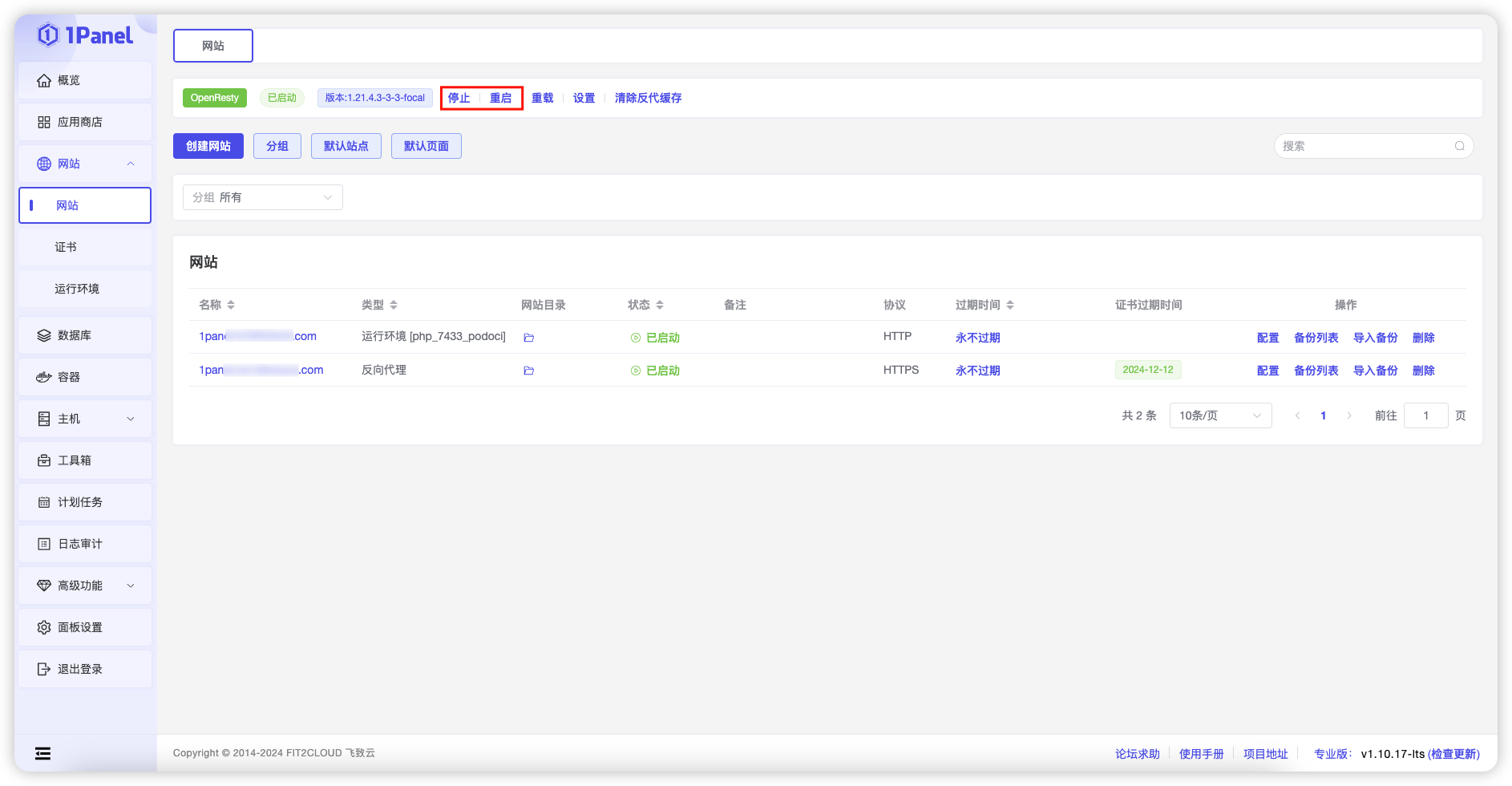
1 停止 / 启动 / 重启
Note
可以通过按钮停止、启动或重启来管理 OpenResty 应用。
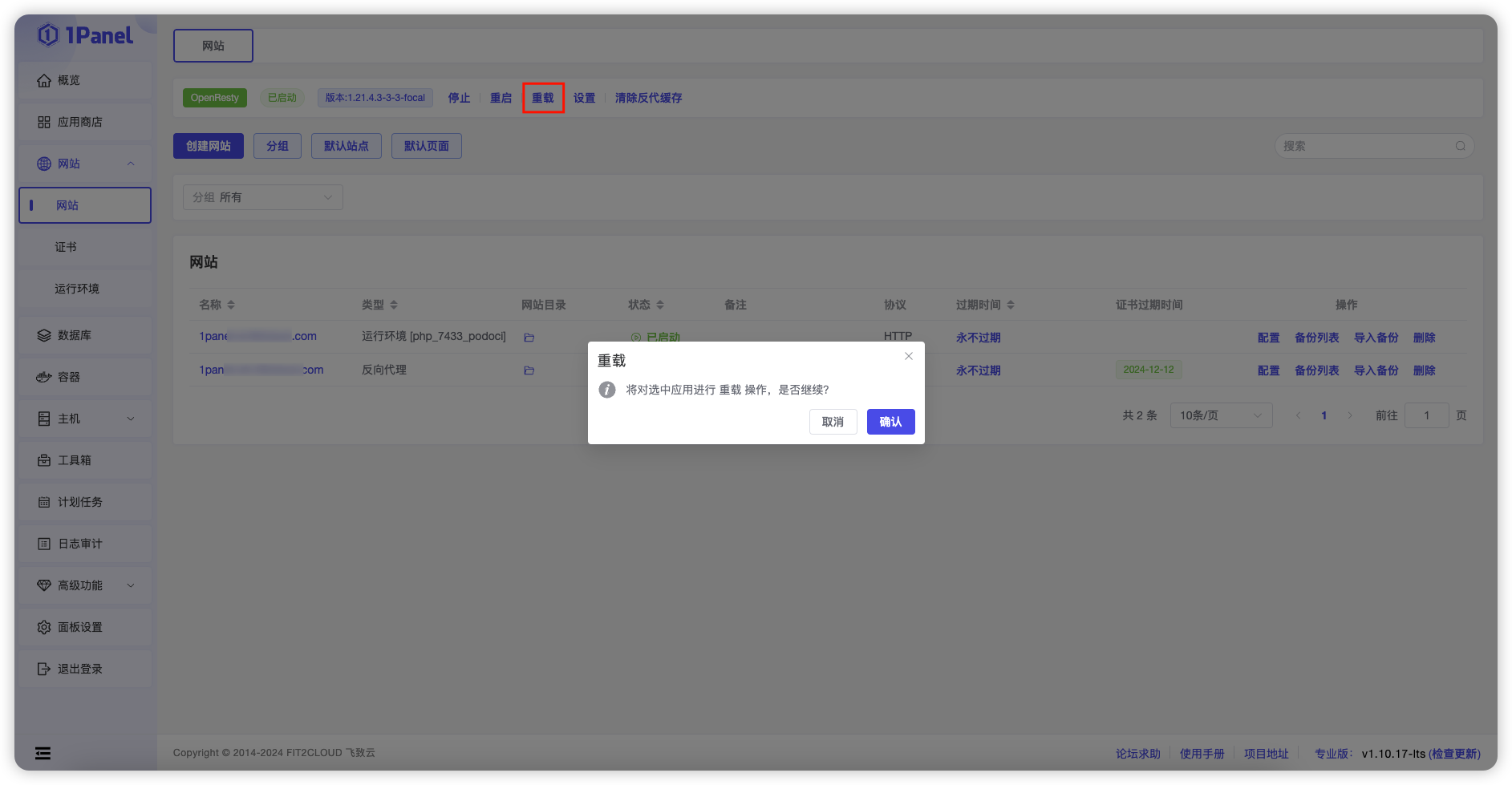
2 重载
Note
允许用户在无需停机的情况下快速应用配置更改,确保网站服务的高可用性。
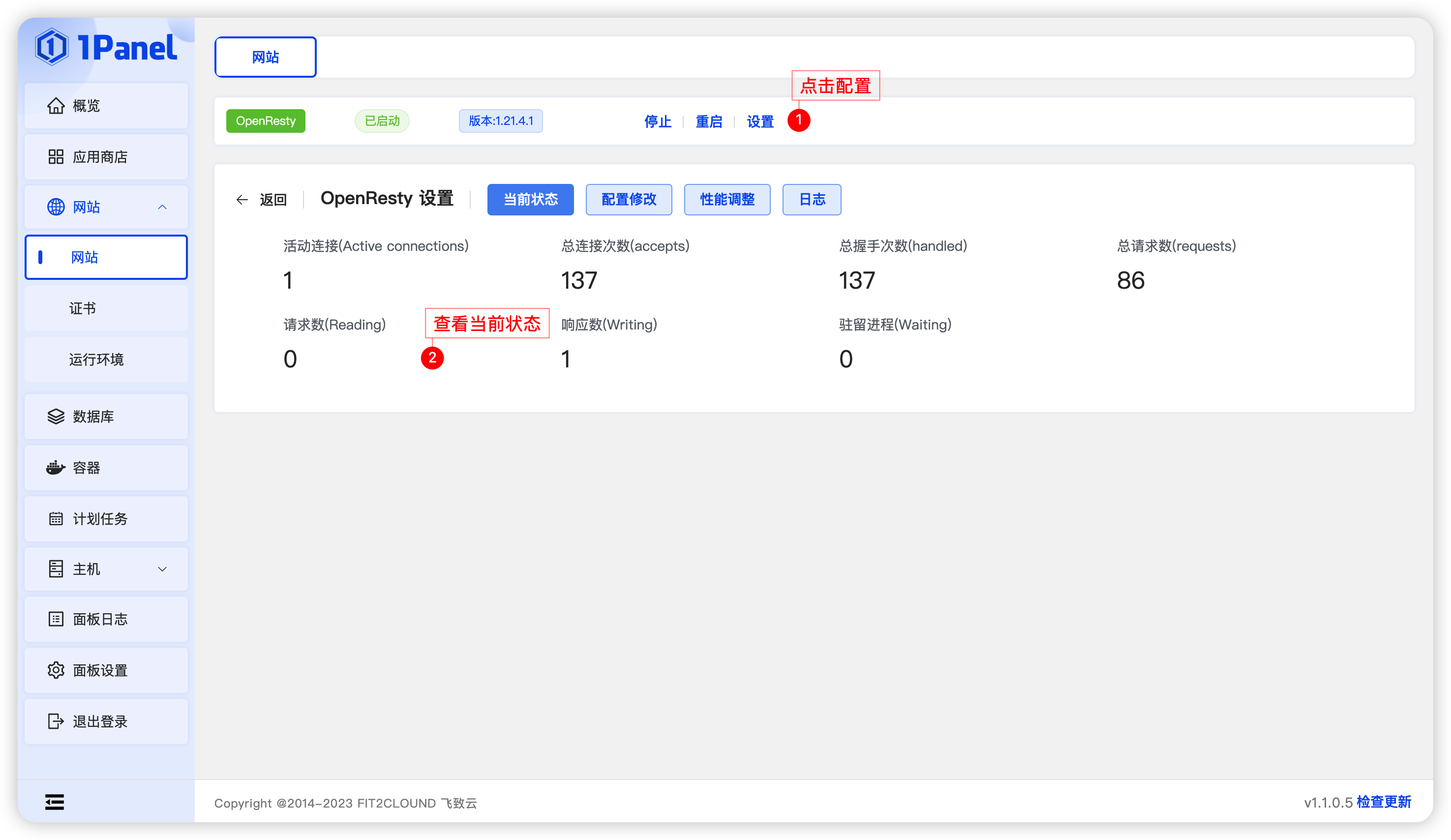
3 设置
3.1 当前状态
Note
查看当前网站状态,包括活动连接数、总连接数、总握手次数、总请求数、请求数、响应数及驻留进程等信息。
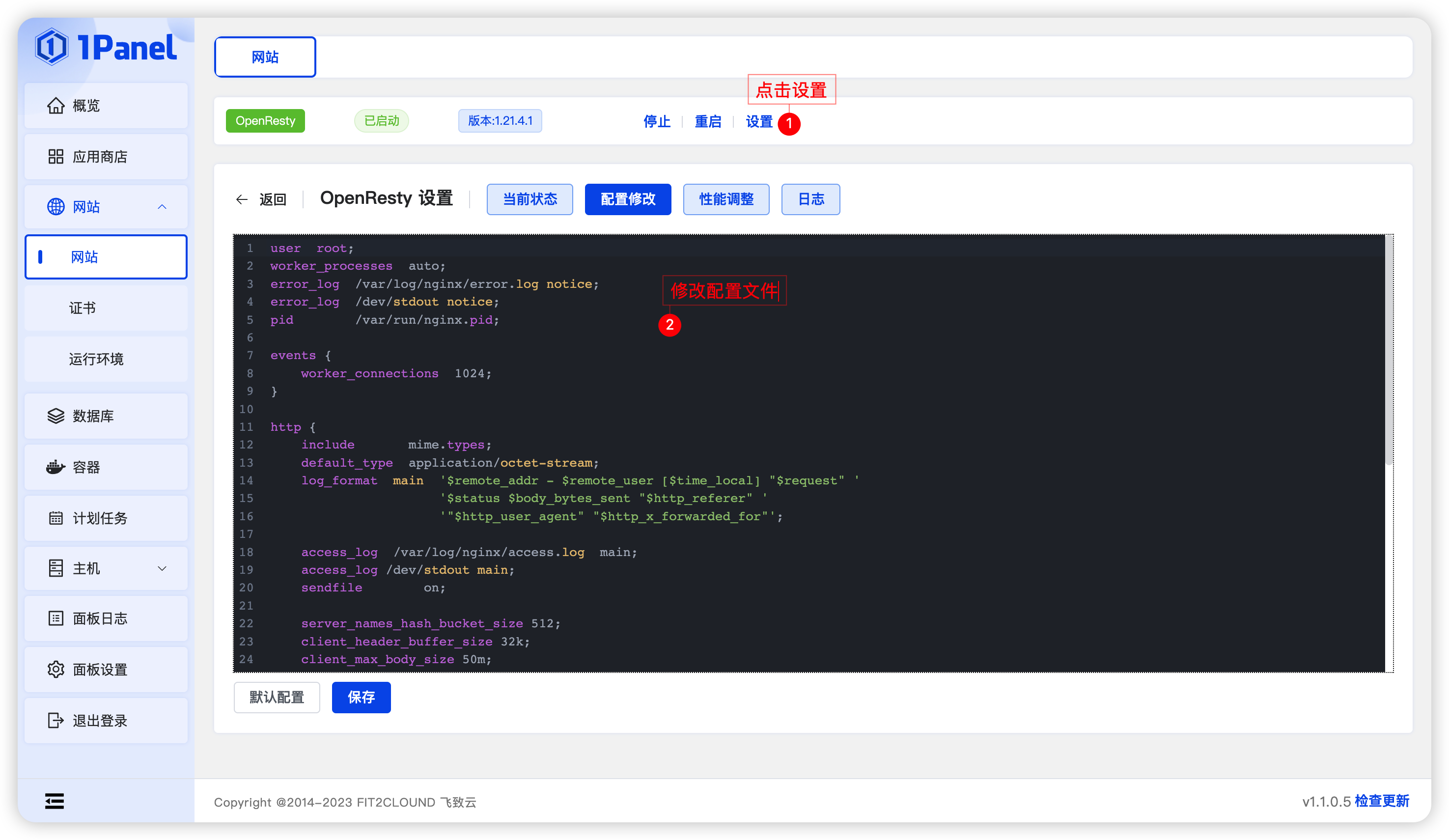
3.2 配置修改
Note
- 配置 OpenResty 的配置文件
- 点击【默认配置】按钮可将配置文件恢复到默认状态
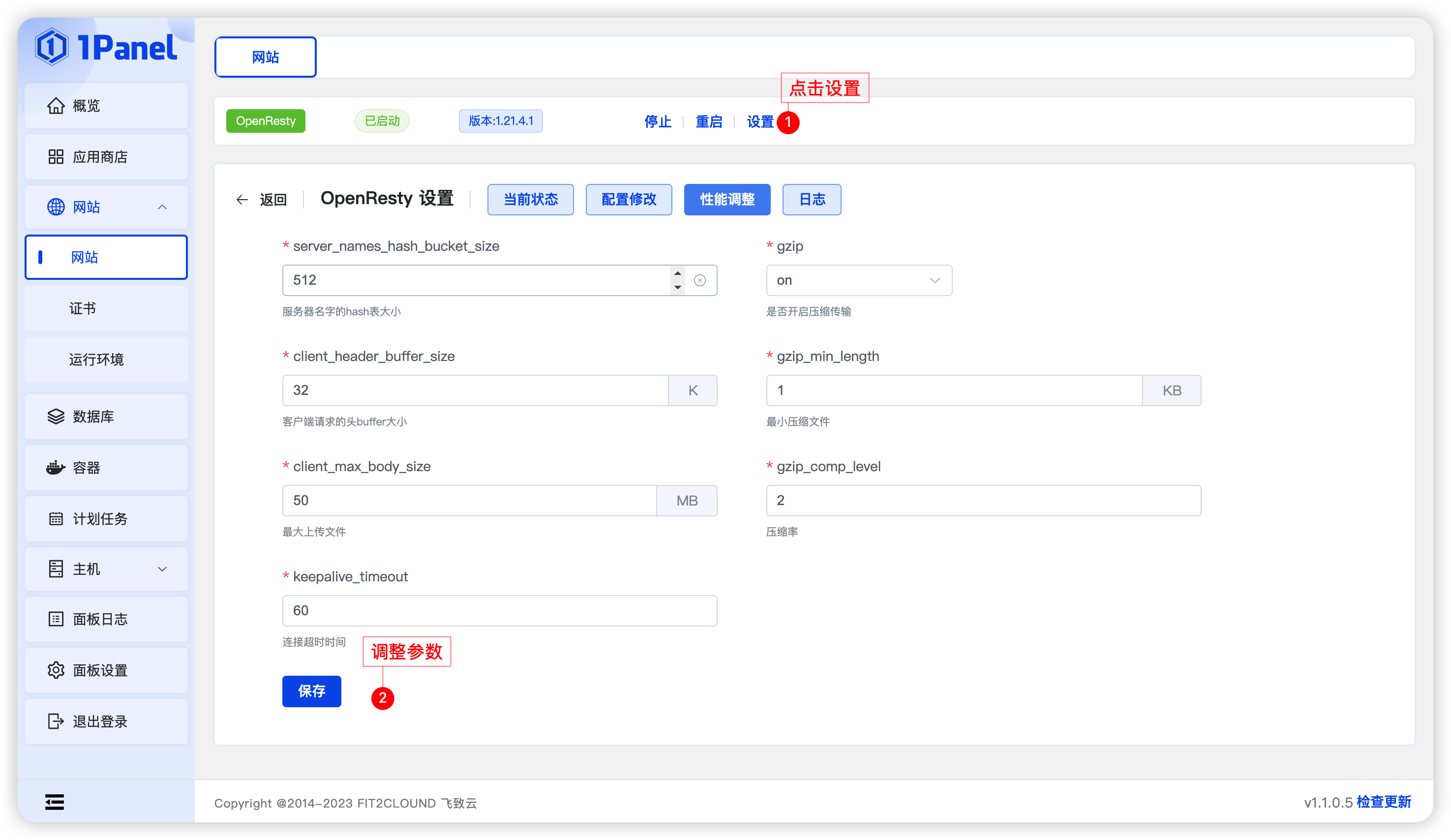
3.3 性能调整
Note
调整 OpenResty 的相关配置参数。
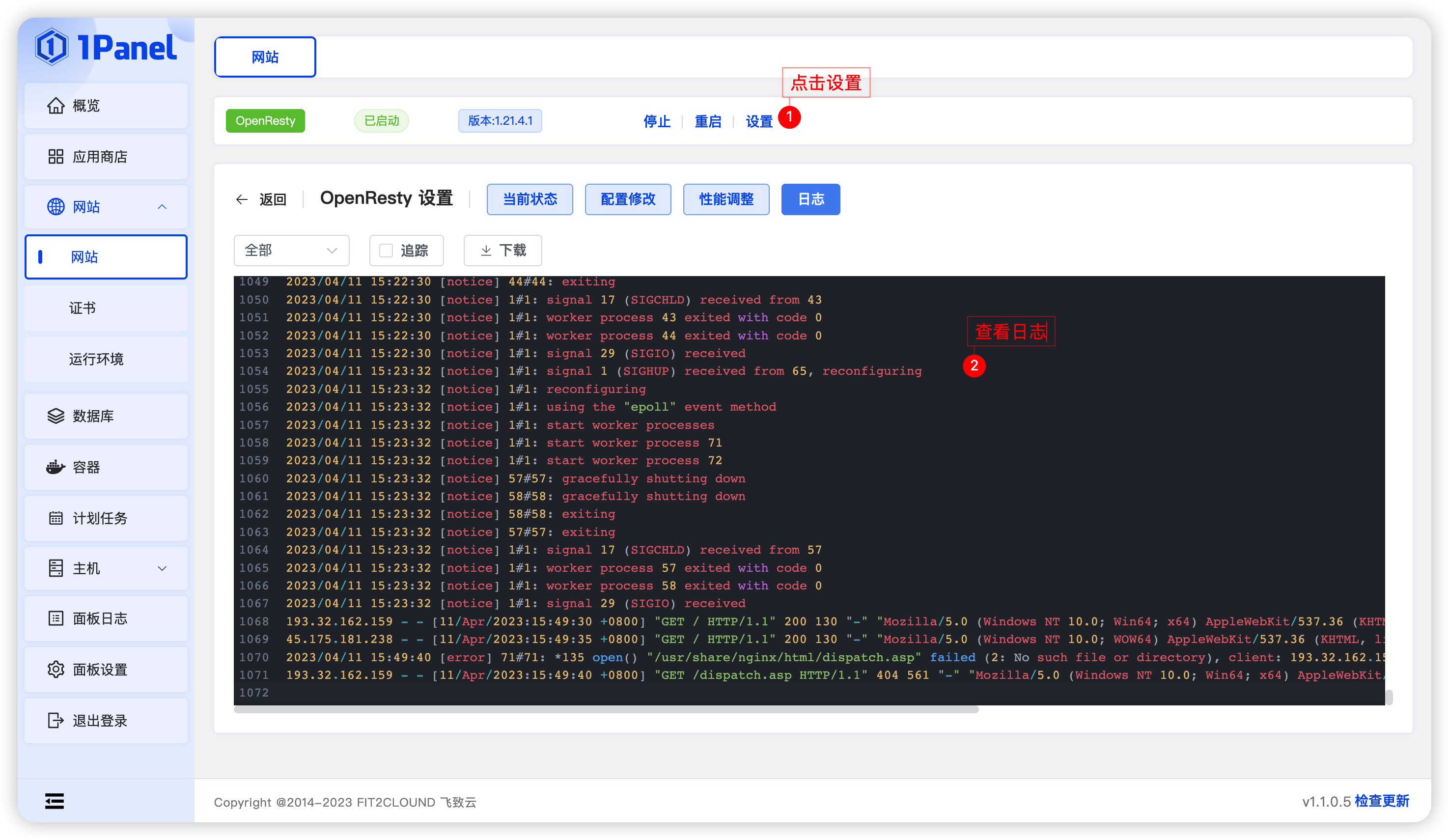
3.4 日志
Note
查看 OpenResty 日志,支持实时追踪、下载、清空等操作,并可按指定时间段和行数筛选日志。
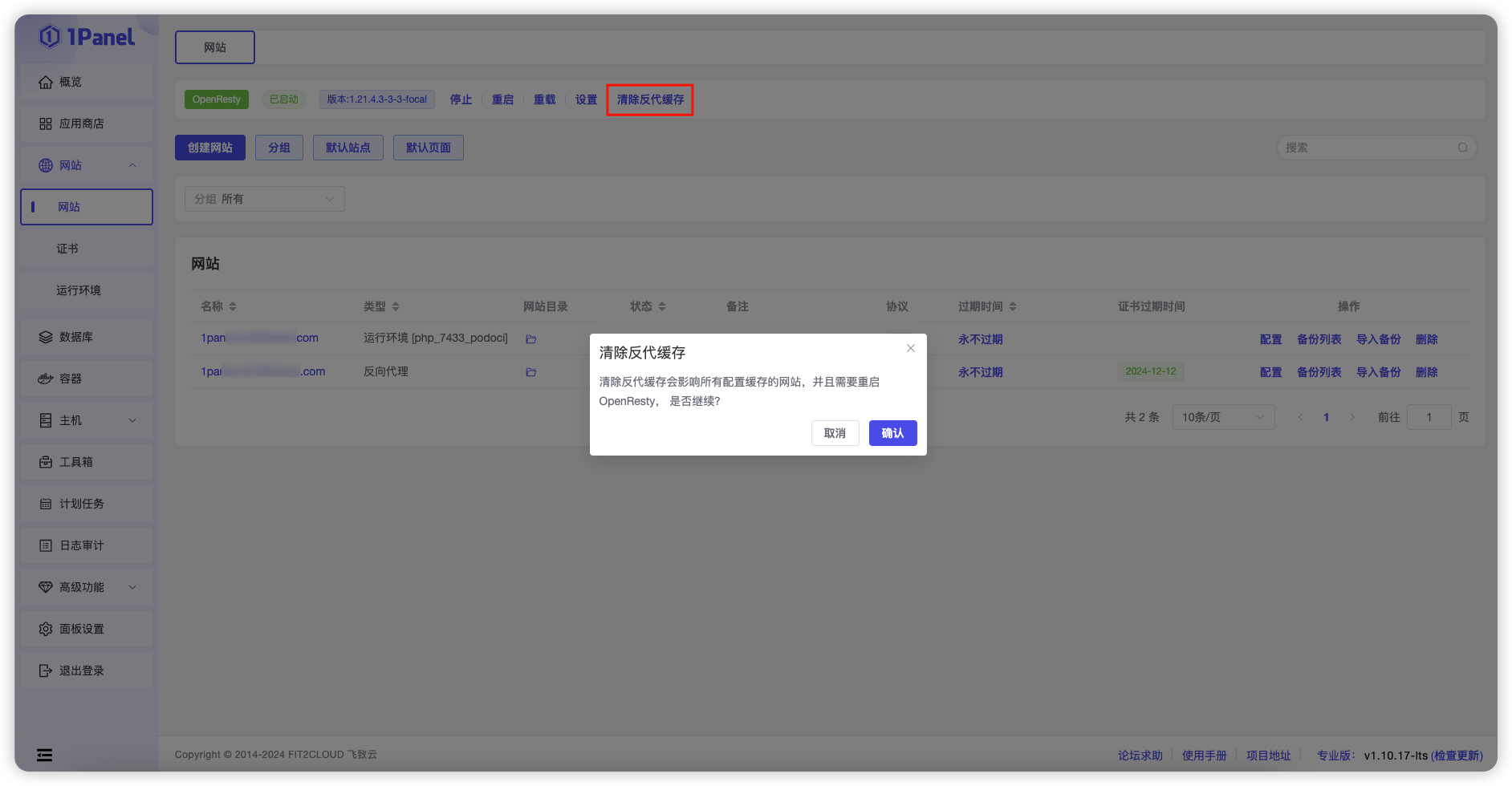
4 清除反代缓存
Note
清除反向代理缓存的功能,以确保用户获取最新的内容和资源。