
For AI agents: the complete documentation index is available at https://docs.fit2cloud.com/jumpserver/llms.txt, the full documentation bundle is available at https://docs.fit2cloud.com/jumpserver/llms-full.txt, and this page is available as Markdown at https://docs.fit2cloud.com/jumpserver/manual/user/workbench/other/system_tool.md.

系统工具

1 功能简介

系统工具用于检查 JumpServer 到目标地址的网络连通性。路径:登录后将控制台切换到 工作台,选择 其它 > 系统工具。

页签包括 Ping、Telnet、Nmap、Tcpdump、Traceroute。输入目的地址后单击 测试。页面会显示服务器时间。
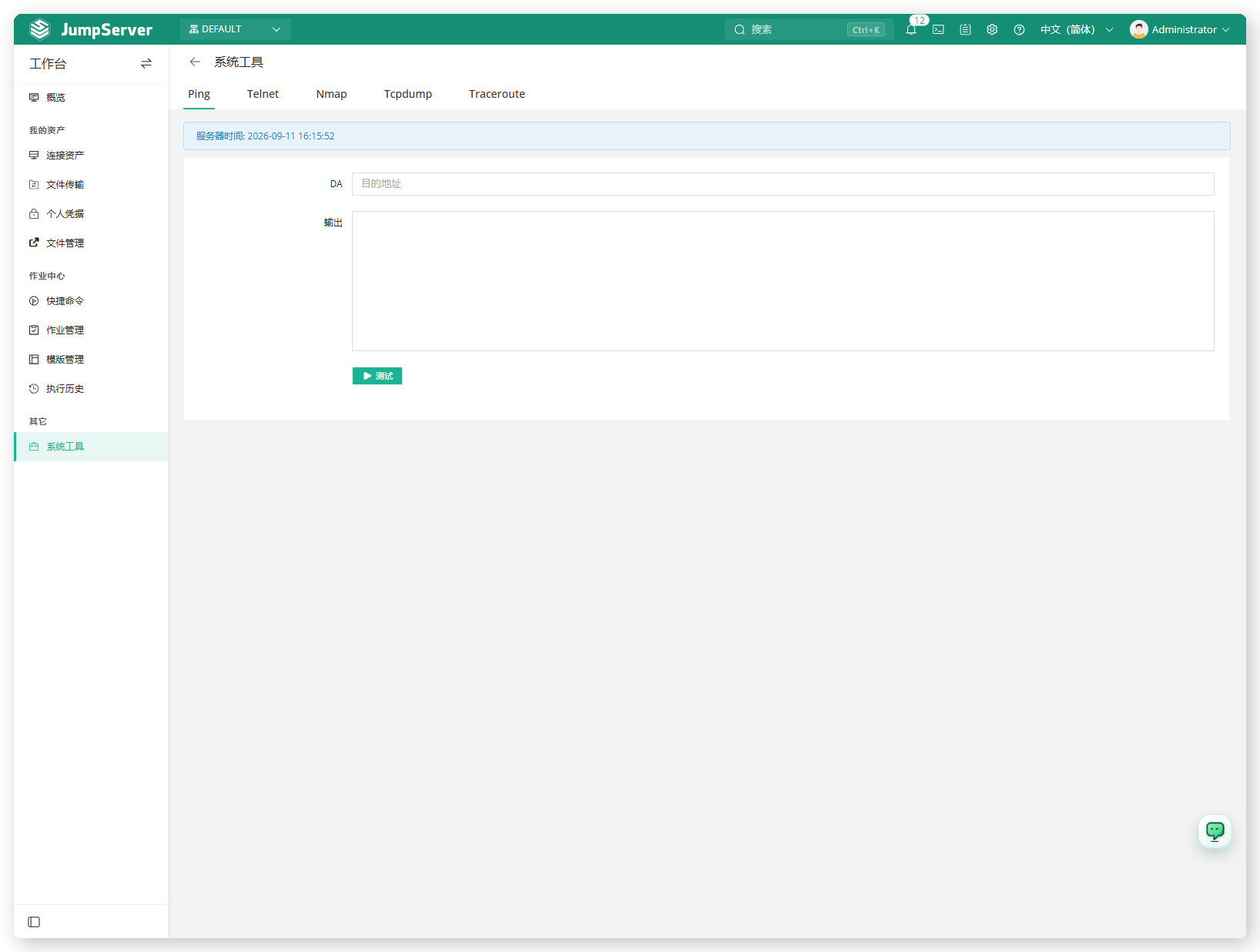
图 1  系统工具
图 1 系统工具
[功能需开启]

系统工具需由系统管理员在 功能设置 中开启。

2 前提条件

  • 已使用工作台账号登录 JumpServer。
  • 系统工具功能已开启。

3 发起测试

  1. 选择页签(如 Ping)。
  2. 输入目的地址。
  3. 单击 测试,在 输出 中查看结果。