For AI agents: the complete documentation index is available at https://docs.fit2cloud.com/jumpserver/v3/llms.txt, the full documentation bundle is available at https://docs.fit2cloud.com/jumpserver/v3/llms-full.txt, and this page is available as Markdown at https://docs.fit2cloud.com/jumpserver/v3/guide/admin/dashboard.md.

仪表盘

1 功能简述

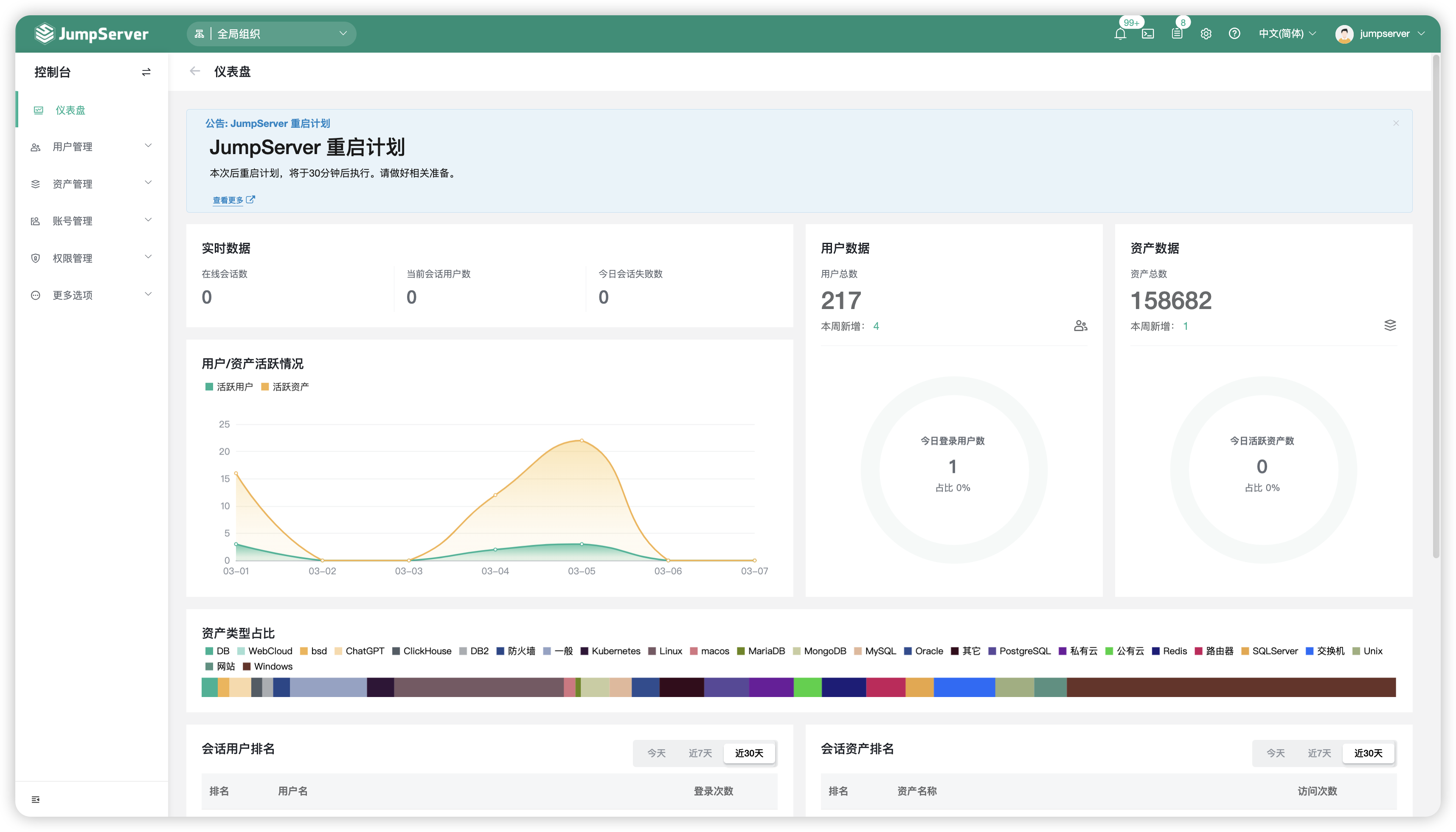
  • JumpServer 的仪表盘页面,主要展示用户与资产以及登录会话情况的概览数据。
  • 系统管理员可切换到各个组织下,看到该组织的用户总数、资产总数、在线用户、在线会话等。
  • 组织管理员只能看到某个组织的概览数据。
  • JumpServer 系统内置全局组织,系统管理员通过全局组织下可看到整个 JumpServer 平台的综合数据。

2 仪表盘页面展示

admin_dashboard01

3 仪表盘页面导出为图片

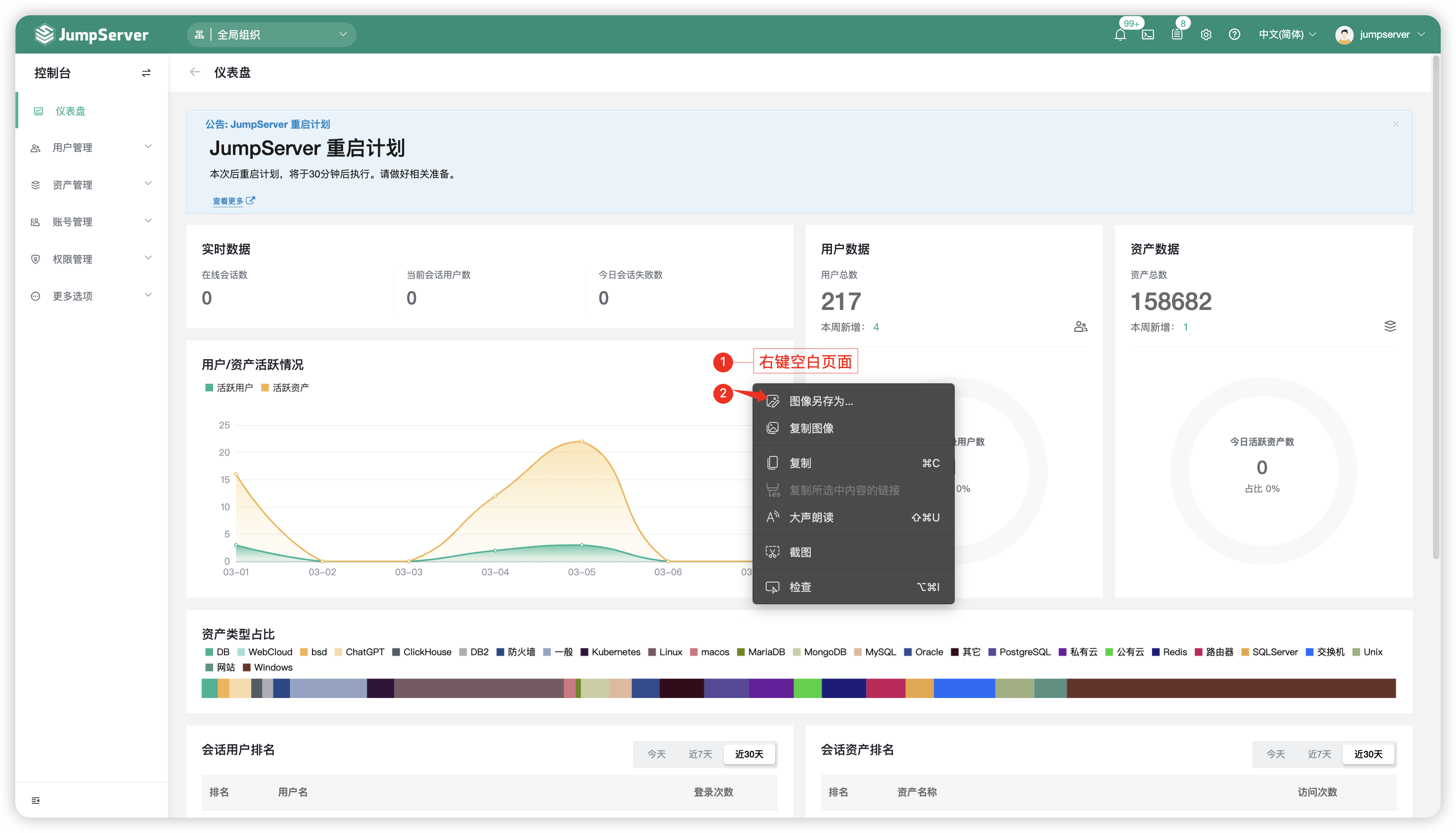
  • JumpServer 支持将仪表盘页面的图像(用户/资产活跃情况、用户数据库图、资产数据图、资产类型占比)导出为图片,方便保存,在该页面中空白处鼠标右击,选择图片另存为按钮。 admin_dashboard02